
Industry
Subtract business days formula: WORKDAY and worked cases
How WORKDAY with a negative count subtracts business days: the three arguments, weekend strings for other weeks, and worked deadline cases.
Counting backwards from a deadline looks like counting forwards with a minus sign. It is not, and the difference is that a forward mistake makes you early while a backward mistake makes you late. In a spreadsheet the minus sign really is how the formula works, so the risk sits in the arguments.
What to take away
- In Excel and in Google Sheets, subtracting working days is the same function you use to add them, with a negative count.
- The weekend string lets you spell out any working week, one character per day, Monday to Sunday.
- Write down which convention you used for the deadline day, in the cell comment or the row beside it.
The three formulas
Subtracting working days uses the function that adds them, with a negative count. The three forms below differ only in how much of the week and the closure list they spell out.
WORKDAY Arguments and Conventions
Argument
- Start day
- Never counted
- Holidays
- Range you supply
- Weekend string
- Mon to Sun, 1 = closed
What it does
- Start day
- One convention of several
- Holidays
- No built-in calendar
- Weekend string
- 0000011 = Sat-Sun
Convention
- Start day
- Holidays
- Weekend string
=WORKDAY(A2, -5)                          five working days before A2
=WORKDAY(A2, -5, Holidays)                the same, skipping a list of closed days
=WORKDAY.INTL(A2, -5, "0000011", Holidays)  the same, with the working week spelled out
The start day never counts. WORKDAY returns the date that is N working days away from the start, not counting the start itself. That is one specific convention out of several, and it may not be the one your contract means, so check the wording before you copy the formula into a deadline column.
Holidays is a range, not a rule. You supply the dates. The function has no built-in knowledge of any country's calendar and never will. Weekend entries in the range are harmlessly ignored, and so are duplicates, so one shared list can serve many rows without cleaning.
The weekend string in WORKDAY.INTL reads Monday to Sunday, with 1 marking a non-working day. "0000011" is a Saturday-Sunday weekend. Change the string and you change the working week without touching anything else, which is the only sane way to handle a counterparty whose week is not yours.
Weekend strings for other working weeks
Write seven characters from Monday to Sunday and put a 1 on every rest day. Each row below applies that rule to a different week, and any string drops into the third formula unchanged.
| Rest days | Weekend string | Working days |
|---|---|---|
| Saturday and Sunday | "0000011" | Monday to Friday |
| Friday and Saturday | "0000110" | Sunday to Thursday |
| Sunday only | "0000001" | Monday to Saturday |
| Saturday only | "0000010" | Sunday to Friday |
| Sunday and Monday | "1000001" | Tuesday to Saturday |
NETWORKDAYS and NETWORKDAYS.INTL count the working days between two dates and take the same weekend and holiday arguments. Use them to check your work, but read the round-trip section first, because they do not check it the way you expect.
Worked cases
Take a Monday-to-Friday week, nothing closed in the window, and a deadline day that does not count. The six cases below give the action date for each, and the calendar-day column shows how far back the weekend pushes it.
Deadline to Action Date
Deadline falls on
- Monday
- 1
- Monday
- 5
- Tuesday
- 2
- Wednesday
- 3
- Saturday
- 3
- Sunday
- 1
Working days before
- Monday
- Previous Friday
- Monday
- Monday before
- Tuesday
- Previous Friday
- Wednesday
- Previous Friday
- Saturday
- Wednesday
- Sunday
- Friday
Act by
- Monday
- 3
- Monday
- 7
- Tuesday
- 4
- Wednesday
- 5
- Saturday
- 3
- Sunday
- 2
Calendar days earlier
- Monday
- Monday
- Tuesday
- Wednesday
- Saturday
- Sunday
| Deadline falls on | Working days before | You must act by | Calendar days earlier |
|---|---|---|---|
| Monday | 1 | the previous Friday | 3 |
| Monday | 5 | the Monday before | 7 |
| Tuesday | 2 | the previous Friday | 4 |
| Wednesday | 3 | the previous Friday | 5 |
| Saturday | 3 | Wednesday | 3 |
| Sunday | 1 | Friday | 2 |
The calendar-day column is the one that surprises people. A Monday deadline with one working day before it is three calendar days earlier, because the weekend sits in between, and the same weekend stretches the five-day case to a full week.
What "five days before" means in a formula
The count you type changes with the reading. Take a Friday deadline and a Monday-to-Friday week: each reading turns "five days before" into a different offset, and the offset decides the day you act on.
| Reading | Formula | Action day |
|---|---|---|
| Five days ending on the deadline, so the deadline is day one | =WORKDAY(A2, -4) | the Monday of that week |
| Five working days back, deadline not counted | =WORKDAY(A2, -5) | the previous Friday |
| Five clear working days between action and deadline | =WORKDAY(A2, -6) | the previous Thursday |
The spread is the same size as it is forwards, but the wrong end of it is late rather than early. Where the wording does not settle the question, round toward the earlier action date and note that you did.
The round trip does not close
Add five working days to a date, then subtract five from the result. You get your original date back only if it was a working day to begin with. Start on a Saturday and the trip returns the Friday before it, so the two functions are not inverses.
The forward leg jumped over the weekend to begin counting on Monday; the backward leg had no reason to jump back. Try it in a sheet with two cells. It takes thirty seconds and it is the fastest way to see the gap.
NETWORKDAYS will not reassure you either. Feed it a date and the result of WORKDAY(date, -5) and it returns six, not five, because it counts both ends. That is not a bug in anything. It is two conventions meeting, so allow for it before you compare.
Rounding has to go the other way
When a computed date lands on a closed day, something has to move it. Forwards, you move to the next working day. Backwards, you must move to the previous one, or the date you hand over is later than the rule allows.
Which Way to Round
Computed date lands on a closed day?
Forward count -> move to next working day
Backward count -> move to previous working day
A helper column that always rounds to the next working day is safe forwards and dangerous in reverse. It hands you a preparation date later than the rule allows, and the error appears as compliance rather than as a warning.
Forwards, the start is known and the answer is a prediction. Backwards, the deadline is fixed by someone else and the answer is a commitment you have to meet. That flips the cost of ambiguity: under-count forwards and you chase someone early, under-count backwards and you miss a filing.
The holiday range that stops too soon
Holiday ranges are usually built forwards. Someone lists next year's closures, then writes a backward count that reaches into the previous year. The function does not object. Dates outside the range count as ordinary working days, so the answer comes back a day or two late.
Holiday Range Coverage Check
- Range covers the whole backward window
- Range covers the earlier end, not just this year
- Range came from the body whose deadline you count toward
- Copied sheets do not leave the old range behind
The wrong answer looks exactly like a correct one. For a count that follows federal offices, section 6103(a) of title 5 of the United States Code is the law that specifies holidays for federal employees, so start the list there.
Check the range covers the whole window you are counting through, in both directions, before you trust any reverse calculation. The same applies when you copy a working sheet into a new year and leave the old range behind.
Before you rely on the number
Run the list once per deadline column, not once per sheet, because each row can carry a different week and a different closure source.
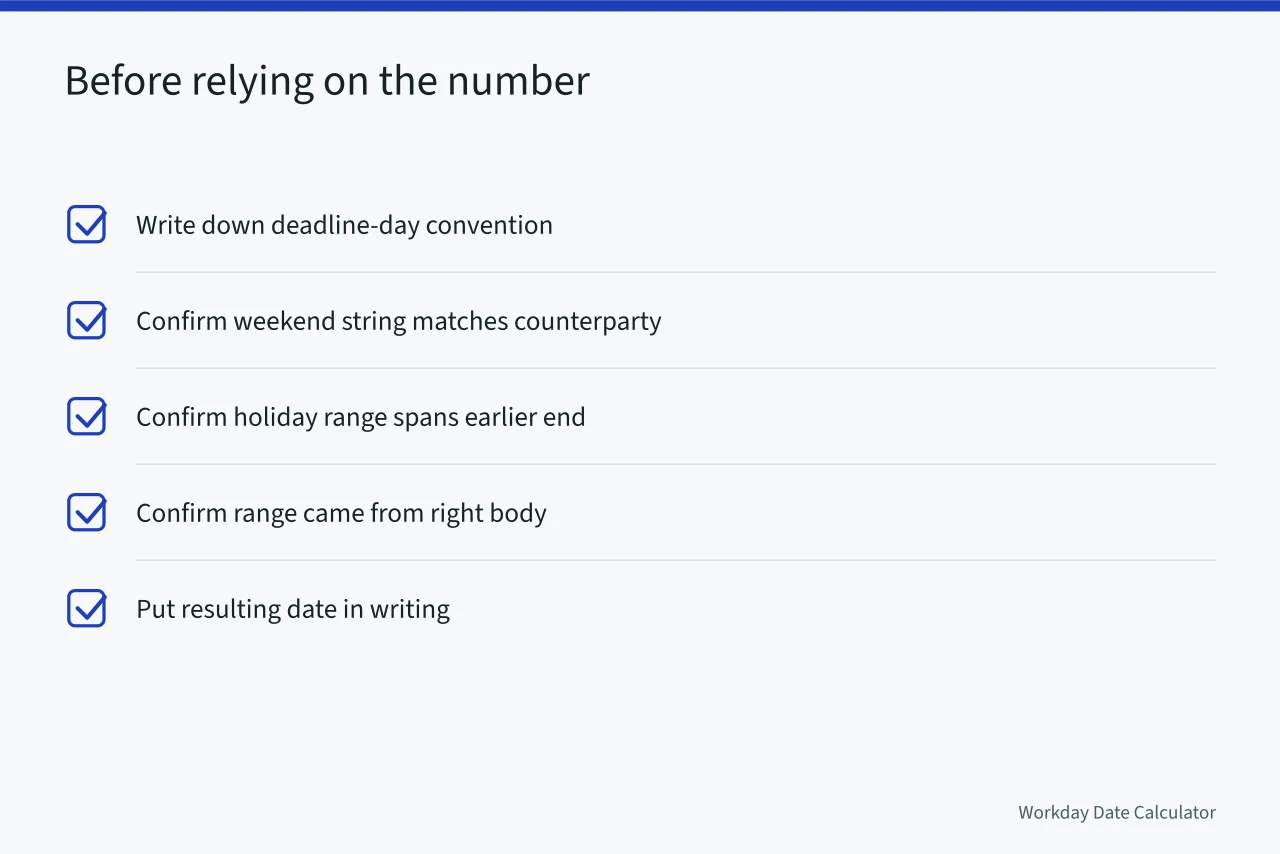
- Write down which convention you used for the deadline day, in the cell comment or the row beside it.
- Confirm the weekend string matches the counterparty's week, not yours.
- Confirm the holiday range spans the earlier end of the window, and that it came from the body whose deadline you are counting toward.
- Put the resulting date in writing next to the interval, such as "at least five business days before the hearing (by [date])".
Stating the date beside the interval removes the argument entirely, and if the two ever disagree you have found a bug rather than a breach. For the forward direction and its own conventions, see adding business days.
Common questions
Why does the round trip not close?
Because stepping over rest days is not invertible at the edges. Ten days back from a Monday and then ten days forward can land on a different Monday, and neither step is wrong.
Which end of the window needs the closure list?
The earlier one, which is the end people forget. A range that starts at the deadline and runs forward covers nothing the backward count passes through, and the count then silently under-subtracts.
Does a negative step behave the same as a positive one?
In the arithmetic, yes: it is the same walk with the sign reversed. In the conventions, no, because "at least five days before" and "five days after" resolve their endpoint questions differently even when both are written carefully.
What if the count comes from a service instead of a sheet?
The minus sign becomes a field. The API design for subtracting puts direction in its own field, so a request states which way to walk instead of leaning on a signed number.
Where is the counting rule fixed by something other than the spreadsheet?
Wherever a rule of procedure governs, follow it. The federal civil rules set out their own method in Rule 6 on computing time, including how a period ending on a closed day is handled. Where that rule applies, configure the sheet to match.